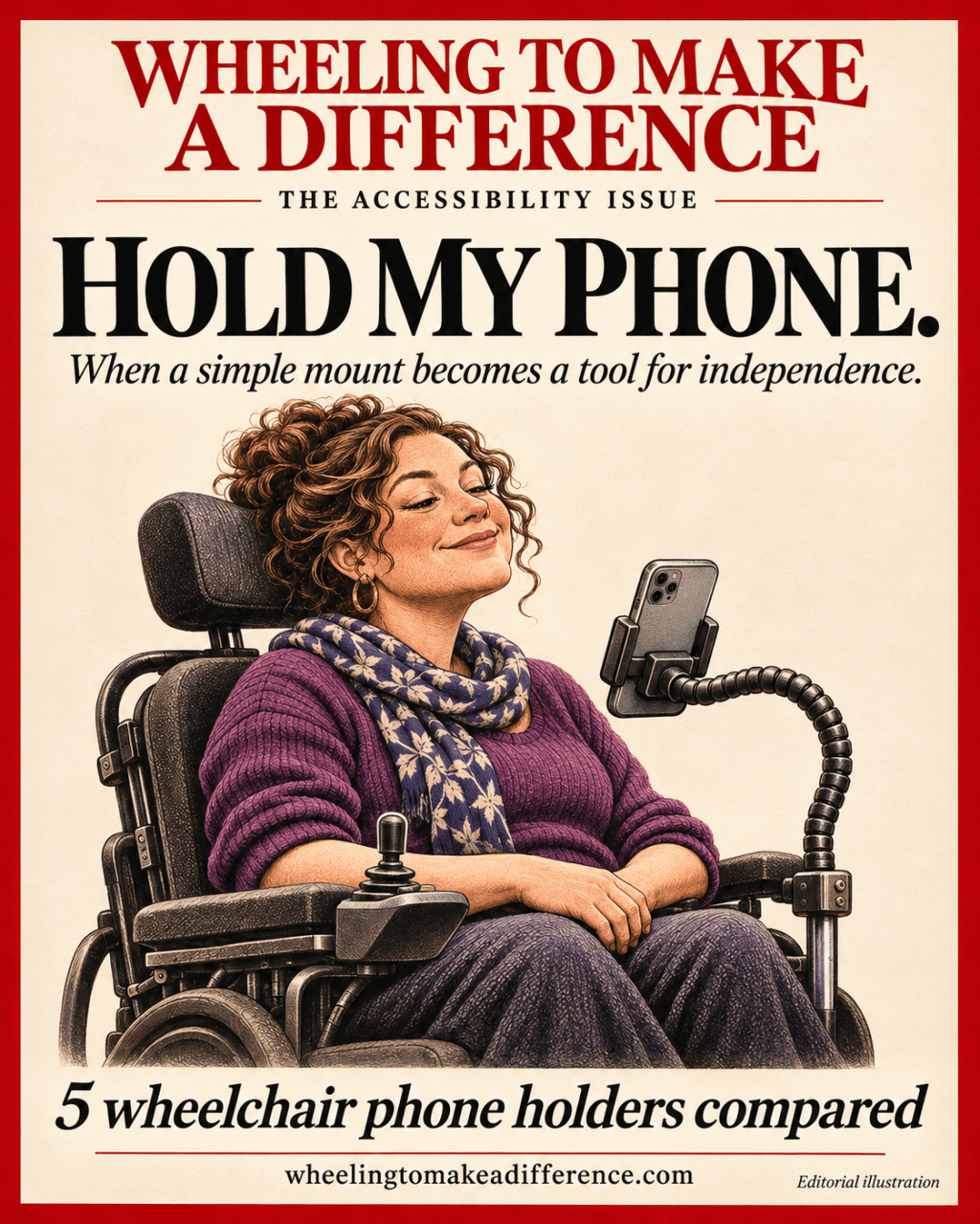
A practical comparison of wheelchair phone holders: what fits, what takes hand strength, and what to check before buying.
A phone holder sounds like a small accessory until your phone is your way to write, research, communicate, and ask for help. A screen that slides out of reach can interrupt far more than a scrolling session.
For those of us living with limited hand function, the useful question is: can I use my phone once it is mounted—and who has to help me get it there? A product described as “easy to use” may still require squeezing a spring, turning a knob, or stretching a tether.
About this guide: This is a comparison based on manufacturer information checked November 4, 2026, not a hands-on product review. The accessibility advantages and drawbacks below are practical assessments of the designs, not measured performance claims. Prices and availability can change.
Five options at a glance
| Option | Worth considering for | Pros | Cons / checks |
|---|---|---|---|
| RAM X-Grip + Tough-Claw, long arm | Removable clamp setup | Adjustable ball joints; tool-free base installation | Spring grip, knobs and tether may require assistance; check rail and phone dimensions |
| RAM X-Grip wheelchair seat-track kit | Compatible chair with a suitable seat track | Dedicated mounting hardware; 9-inch extension offers additional positioning options | More involved installation; compatibility must be confirmed; same spring-grip demands |
| Rehadapt L3D universal phone mounting kit | Users who need an assistive-technology mounting system | MiniClamp and SLS connection; specified phone size limits | Obtain a complete-system quote; trial positioning and adjustment effort |
| FOLD & GO Smartphone Holder | FOLD & GO owners wanting a compact armrest option | Lower listed price; rotating holder | Chair-specific design; compact reach may not put phone near face level |
| Alton Mobility flexible phone holder | Bendable-arm positioning | $29 listed price; flexible arm and rotating holder | Check bending effort, steadiness, reach, and exact fit |
1. RAM X-Grip with Tough-Claw: a removable clamp setup
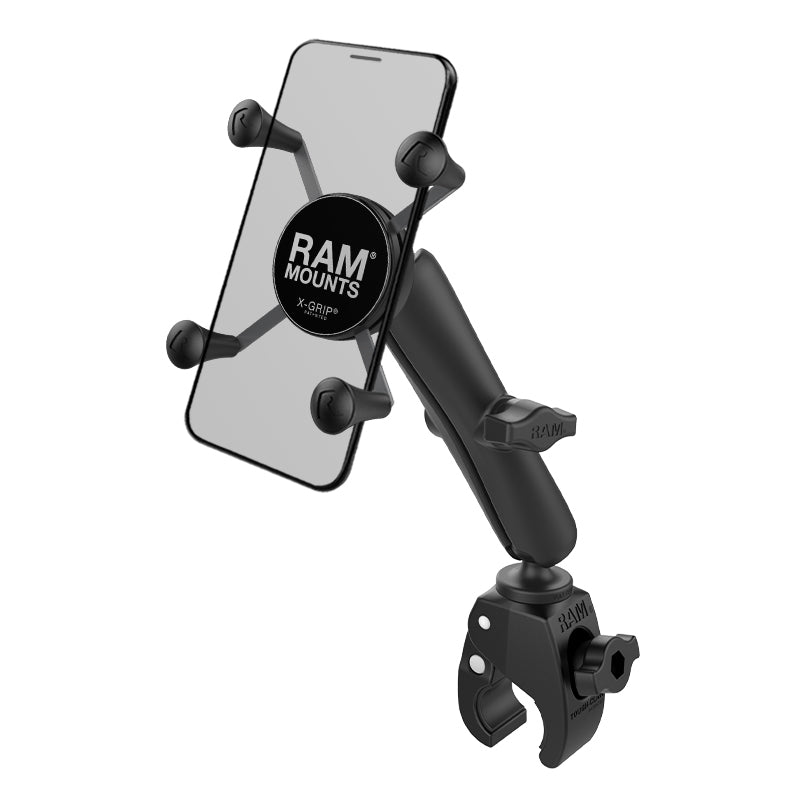
The RAM-B-400-C-UN7U combines a rail clamp, long socket arm, and spring-loaded phone cradle. Its listed phone width range is 1.875–3.25 inches, with a maximum depth of 0.875 inch. Measure with the case on. RAM recommends the included tether for outdoor use.
Pros: Ball joints provide positioning flexibility, and the clamp base installs without tools. It is worth considering when you want a removable attachment rather than a seat-track installation.
Cons: Tool-free does not mean strength-free. Operating the cradle, tightening joints, and applying the tether may require another person. A larger phone or thick case may exceed this particular cradle’s limits. Confirm the exact clamp’s fit to your chair before ordering.
2. RAM wheelchair seat-track kit: a more integrated option
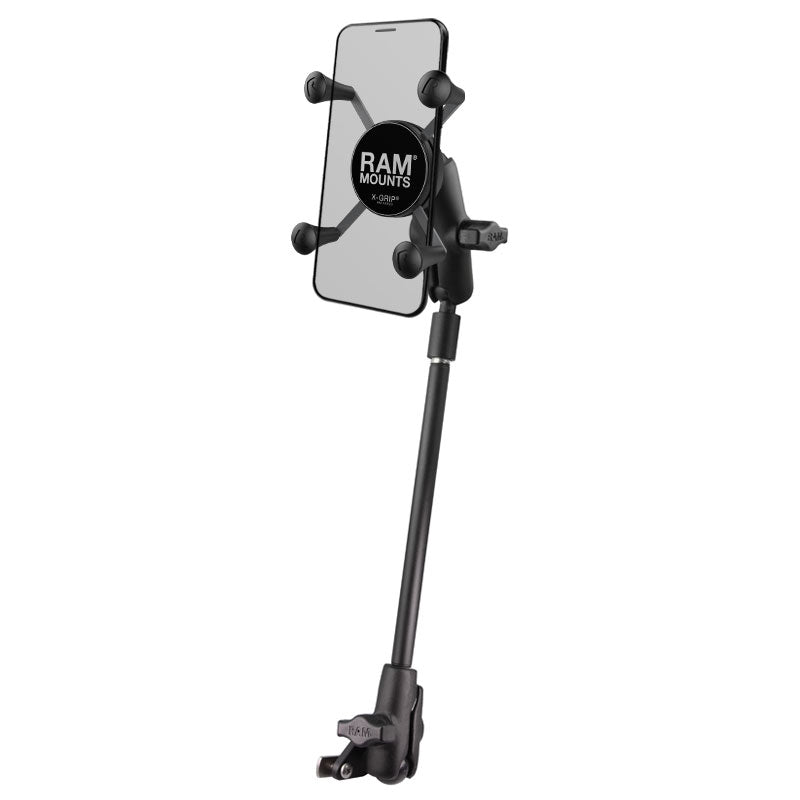
The RAM-B-238-WCT-9-UN7 includes seat-track hardware, a 9-inch pipe extension, socket arms, and an X-Grip holder. RAM identifies compatibility with many chairs from brands including Invacare, Permobil, and Quickie; that is not a guarantee for every model.
Pros: A suitable track gives you a dedicated attachment point. The extension and joints offer alternatives when an armrest-level mount leaves the screen too low.
Cons: Installation is more involved than clipping on a holder. Ask your wheelchair supplier to confirm the track and hardware. The X-Grip still has spring-grip demands, and the extension must be positioned so it does not obstruct transfers or controls.
3. Rehadapt L3D: consider the complete mounting system
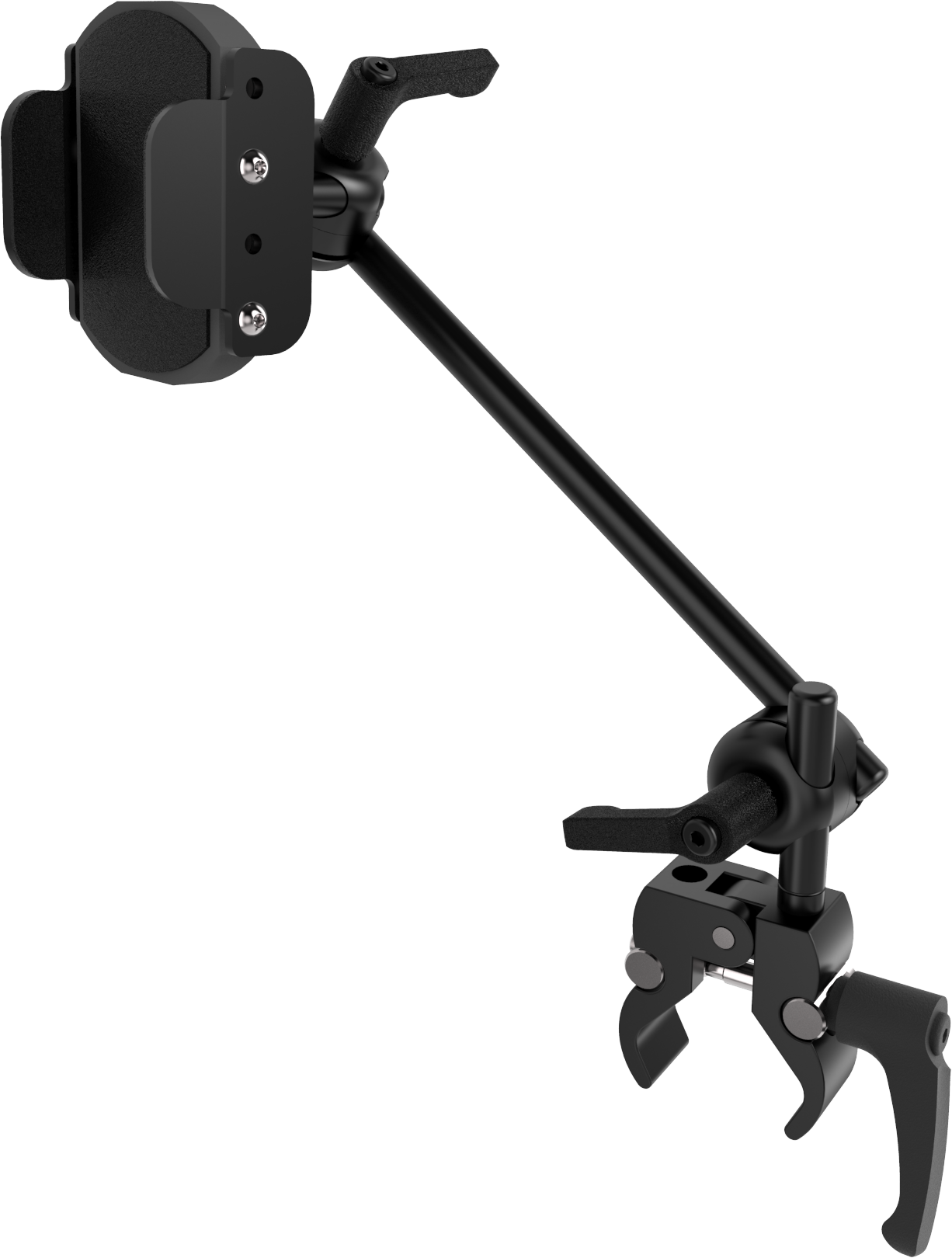
The L3D MC 1QS Universal Phone Mounting Kit, 14.5554, includes a MiniClamp for 13–35 mm tubes and a rubber wedge for flat surfaces. Its 14.1610 phone holder uses Rehadapt’s SLS connection and accepts phones 50–95 mm wide and up to 13 mm thick.
Pros: This is worth discussing with an assistive-technology professional when mounting location and access method need careful planning. Published phone and clamp measurements make compatibility checks more concrete.
Cons: Buying the holder alone is not the same as buying a complete wheelchair mount. Ask for an itemized quote covering the holder, arm, clamp, and any additional adapters. Trial the actual setup: compatibility with a mounting system does not establish whether you can adjust it independently.
4. FOLD & GO: a compact option for matching chairs
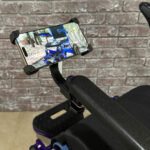
The FOLD & GO Smartphone Holder is designed for the brand’s wheelchair armrest. The manufacturer lists 360-degree rotation and a sale price of $26.95 when checked, before any shipping or tax. Its advertised screen-size range is 3.5–7.625 inches.
Pros: A relatively inexpensive, compact option to investigate if you already own the matching wheelchair.
Cons: Do not assume it fits another chair. Screen diagonal alone does not confirm case fit, button clearance, or grip dimensions. Its compact position may also be too low or too close to the armrest for someone who needs the screen near their face.
5. Alton Mobility flexible holder: the arm that bends
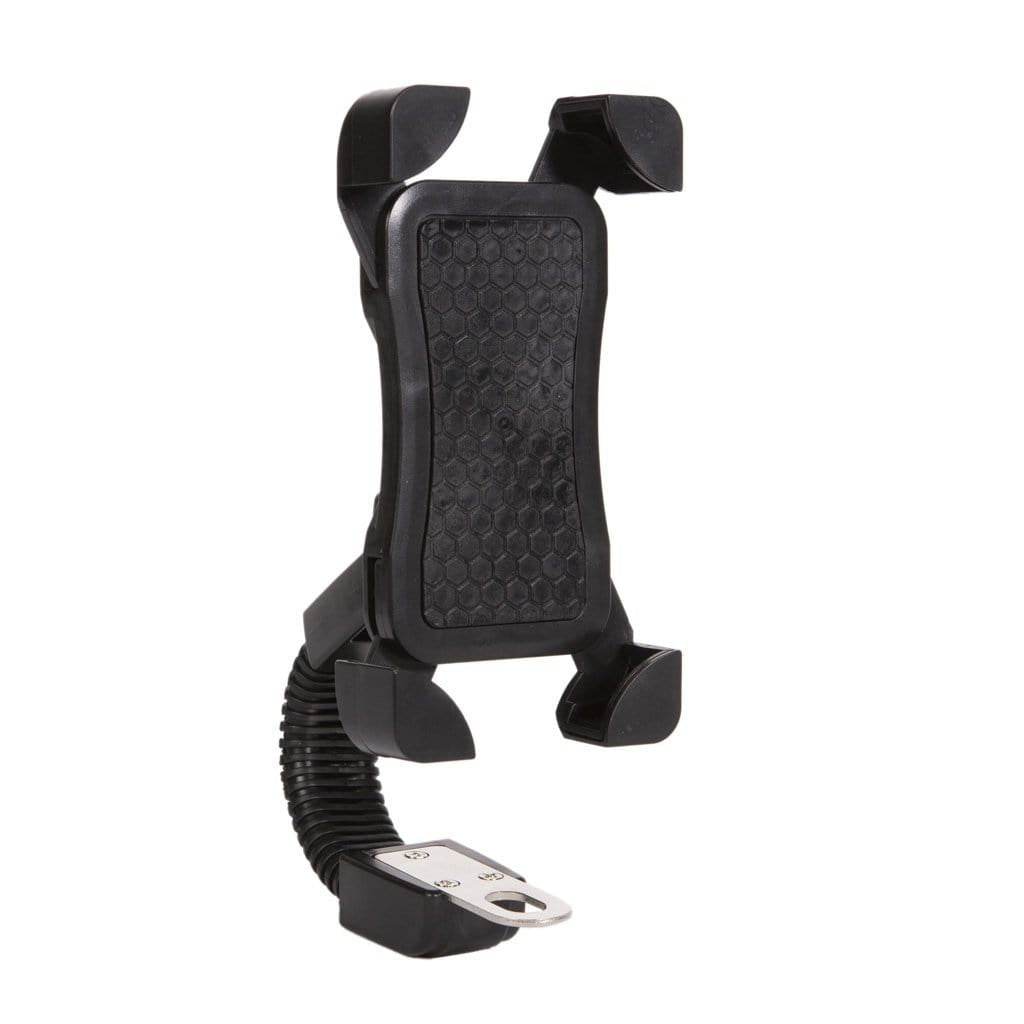
The Alton Mobility Universal Wheelchair Flexible Phone Holder has a bendable arm and 360-degree rotation. Listed at $29 when checked November 4, 2026, it is marketed for Alton power chairs and many wheelchair, walker, and scooter frames. Confirm your exact fit rather than relying on “universal.”
Pros: The flexible arm lets you change the curve and screen position. It is a lower-cost option to investigate for hands-free viewing or dictation once positioned.
Cons: Bendable does not necessarily mean easy to bend with limited hand strength. Ask about stiffness, reach, clamp dimensions, phone-and-case limits, and whether the phone stays steady during tapping or movement. These are checks to make, not faults established by testing. The listed return terms require unused items, so ask before trialing it.
Worth considering if: you want an arm you can shape into position, and you or a helper can adjust it. Confirm it reaches your preferred screen position without obstructing controls or transfers.
What about flexible arms and magnetic holders?
A flexible arm may offer useful positioning, but ask how much force it takes to bend and whether it stays put with your phone attached. A magnetic holder may reduce the need to squeeze a cradle, but removing the phone still requires overcoming magnetic force. Neither design automatically means independent access.
For a magnetic setup, confirm the exact phone-and-case compatibility, whether charging is included, and how the manufacturer expects the phone to be retained while moving. A magnetic holder and a wireless charger are not necessarily the same product.
Try your real routine before committing
Measure the whole setup: phone width and thickness with its case, the chair’s intended attachment point, and the distance needed to bring the screen into a usable position. Check the complete kit price rather than the holder-only price.
Test every task: placing the phone, removing it, changing its angle, plugging it in, and moving the mount aside. If someone else must do those steps, decide whether that arrangement works for your daily routine.
Check your usual seating positions: try the setup upright and in the tilt or recline positions you actually use. Make sure the screen stays usable without forcing an uncomfortable head position. Keep controls, transfer space, folding mechanisms, and your view clear; ask your wheelchair supplier about suitable attachment points.
Try hands-free access while parked: confirm that your preferred voice-control, dictation, camera, and unlocking methods work at the chosen angle. A mount can position a phone; it cannot guarantee that every phone function becomes hands-free.
Ask about a trial or returns: photographs cannot show how a release feels in your hands or whether a mount interferes with your routine. An occupational therapist or assistive-technology professional can help evaluate a complicated setup.
Which one would I start with?
For a removable rail attachment, I would investigate the RAM Tough-Claw configuration first. For a chair with a compatible seat track, I would compare the track kit. For more complex positioning needs, I would request a Rehadapt demonstration and complete quote. For a FOLD & GO owner wanting an armrest-level holder, the matching accessory is a sensible starting point.
Those are starting points, not universal winners. The best holder is the one that fits your chair, your phone, and the way you actually use both.
I would rather ask ten questions before buying than discover that my new “independence accessory” requires someone else every time I want to check a message.
Related guide: “Just Tap Here.” If Only. — everyday phone accessibility and rebuilding access.


Leave a Reply